
For OT engineers, security leads and consultants who have to write the plan
Build Your OT Incident Response Plan From Facts, Not Guesses
A guided system that runs inside Claude and takes you from charter to finished plan. Every line shows where it came from, and every unknown stays marked TBD.
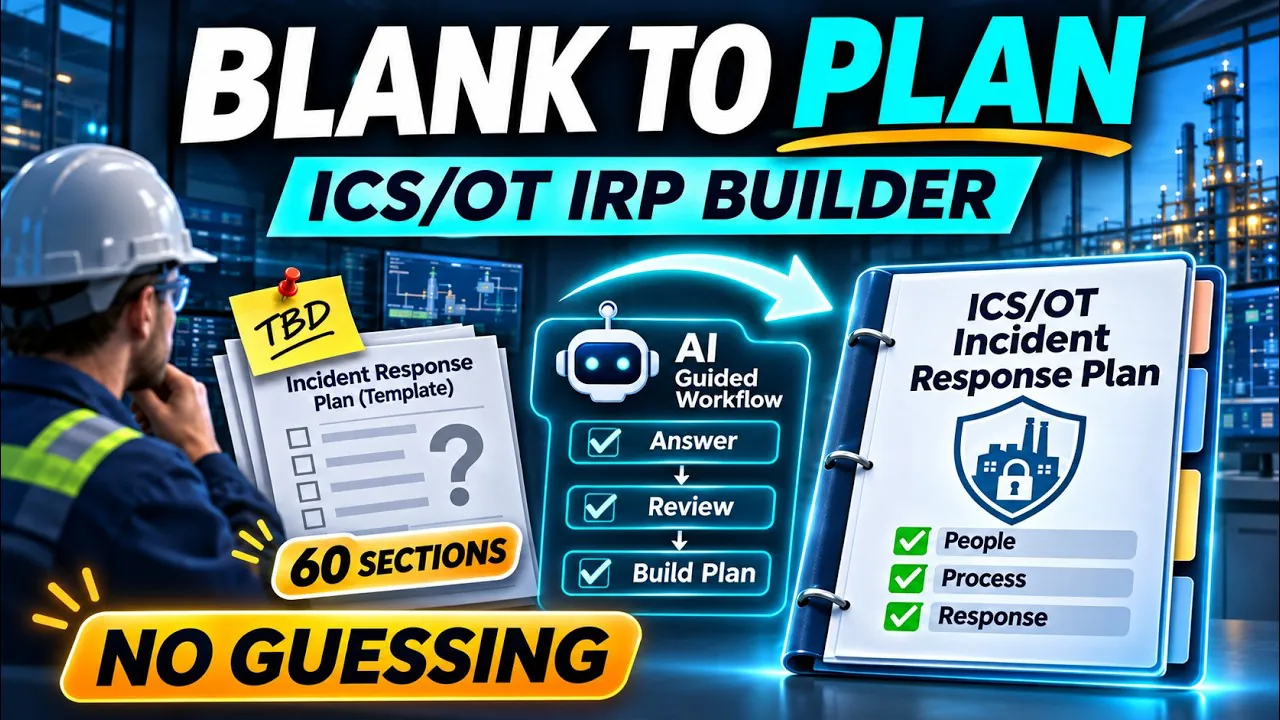
SIXTY SECTIONS, AND NOBODY KNOWS WHO CAN ORDER A DISCONNECT
A complete OT incident response plan runs to about sixty sections. Most of the time goes on chasing facts: who has authority to isolate a system, who is on call, what the safe state is for each process.
A general AI chat speeds up the typing and hides the guessing. It can suggest an office step, like isolating a machine, that would stop a running process, and nothing shows which lines it invented.

IT ASKS BEFORE IT WRITES
The ICS/OT IRP Builder follows one rule: don't assume, don't invent. It asks you and your site staff, reads the files you supply, and drafts only from facts you've confirmed.

- Every statement labelledfrom you, from a document, or a suggestion you accepted.
- Assumptions highlighted for your approval.
- Conflicts between sources flagged, never settled for you.
- Unknowns marked TBD until someone who knows answers them.
- Logs of facts, assumptions, decisions and TBDs delivered with the plan.
SEVEN STEPS, AND IT ALWAYS TELLS YOU THE NEXT ONE
- Charterauthority, sponsor, objectives and roadmap.
- Gather factsinterviews, question packets for site staff, analysis of your files.
- Draft each section from confirmed facts.
- Review by a separate reviewer.
- QA, optionalquality and compliance gap reports.
- You approve it yourself.
- Export the complete plan and forms in Word and Excel.
BUILT ON OUR COURSE, PROVEN ON A TEST SITE
The Builder follows the method and templates of our course, ICS/OT Incident Response Plan: Write One That Works. You don't need the course to use it.
Proven from charter to complete plan in Claude Code and the Claude desktop app, on a fictional site: it read 26 files and drafted all 60 sections in about one five-hour Claude usage window. It took over 200 hours and more than $1,000 in AI credits to build, on research that would take thousands of hours by hand.

HERE'S WHAT'S IN THE FOLDER
 The guided system13 skills from charter to export: Setup, charter, interviews, file analysis, research, drafting, review, approval and export, each one telling you the next step. Value $297.
 Four reviewer agents, plus two reports on the finished planA fresh-eyes review of every draft, a quality report with gaps and weak points, and a compliance gap report to take to your own lawyer. Not legal advice. Value $97.
 63 guidance files, one for every part of the planThe method from the course, written out for each section, from authority and scope to recovery and document control. Value $97.
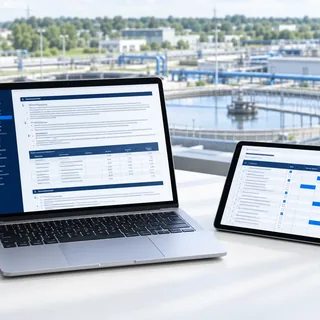 31 Word and Excel templates and aids from the courseThe plan template, the charter, role cards, procedure and recovery workbooks, filled in as you go. Use your own templates instead, if you prefer. Value $67.
 The logs and source checks behind every lineFacts, assumptions, decisions and TBDs logged from the first day, with every statement labelled by where it came from. Value $47.
TOTAL VALUE: $605
Yours for $197, one payment.
WHO IT'S FOR
- OT and controls engineers handed the plan to write.
- Security leads who need a site-specific plan, not a generic template.
- Consultants who write plans for clients. Your licence covers your own clients.
WHO IT'S NOT FOR
- Anyone in the middle of an incident right now. Follow your site's procedures and call your responders.
- Anyone looking for a plan written without their own input. The facts come from you and your site.
WHAT IT WON'T DO
It won't replace you. It won't replace your lawyer's review, or a qualified engineer's sign-off on any physical site action. The writing still happens, and you read and approve every page. It doesn't connect to live systems or scan networks, and it isn't for an incident happening right now: in that case, follow your site's procedures and call your responders.
What changes is the speed, and how far you can trust each line, because every line shows where it came from.


30 DAYS, ANY REASON
Try it on your own site. If it isn't right for you, for any reason, write to us through the Contact page within 30 days and we refund you in full. No questions to answer.
Read the Refund Policy and Terms and Policies. Questions? Contact HK School of Management and Technology.
QUESTIONS PEOPLE ASK
Do I need to be a programmer?
No. You talk to Claude in plain words. Type /irp-help, or ask "where do I start?", and it explains. You never have to run a script yourself.
What do I need?
Your own Claude plan, and Word and Excel (or compatible apps) to open the finished documents. Run it in Claude Code, which needs Python and installs it with your approval, or in the Claude desktop app with nothing to install.
Where does my site data go?
What you enter goes to the AI service behind your Claude plan, under that plan's terms. Training and retention settings differ by plan, so check yours, and check your company's rules and any NDAs before entering site data. Use job titles instead of names, and keep exact IP addresses and credential locations out.
Can I use it for my clients?
Yes. One purchase is one licence for you, by name, with unlimited use, including at any site and for your own clients. The plans you produce are yours to deliver. The folder itself isn't to be shared or handed on.
Does it work with ChatGPT or Copilot?
It's built and proven in Claude Code and the Claude desktop app. The skills are plain-text instructions, so you can also use them as prompts in other AI chats, without the automatic checks.
How long does a plan take?
Several sessions. In our test on a fictional site, it read 26 files and drafted all 60 sections in about one five-hour Claude usage window. If you reach your plan's limit, your work is saved: come back after it resets and type /irp.
Couldn't I build this myself?
You could. You'd write a prompt for every section and test each one until it stopped guessing. It took us over 200 hours and more than $1,000 in AI credits, and the research underneath would take thousands of hours by hand.
START YOUR CHARTER TONIGHT
Download the folder, open it in Claude and type /irp. It runs setup and tells you the next step.