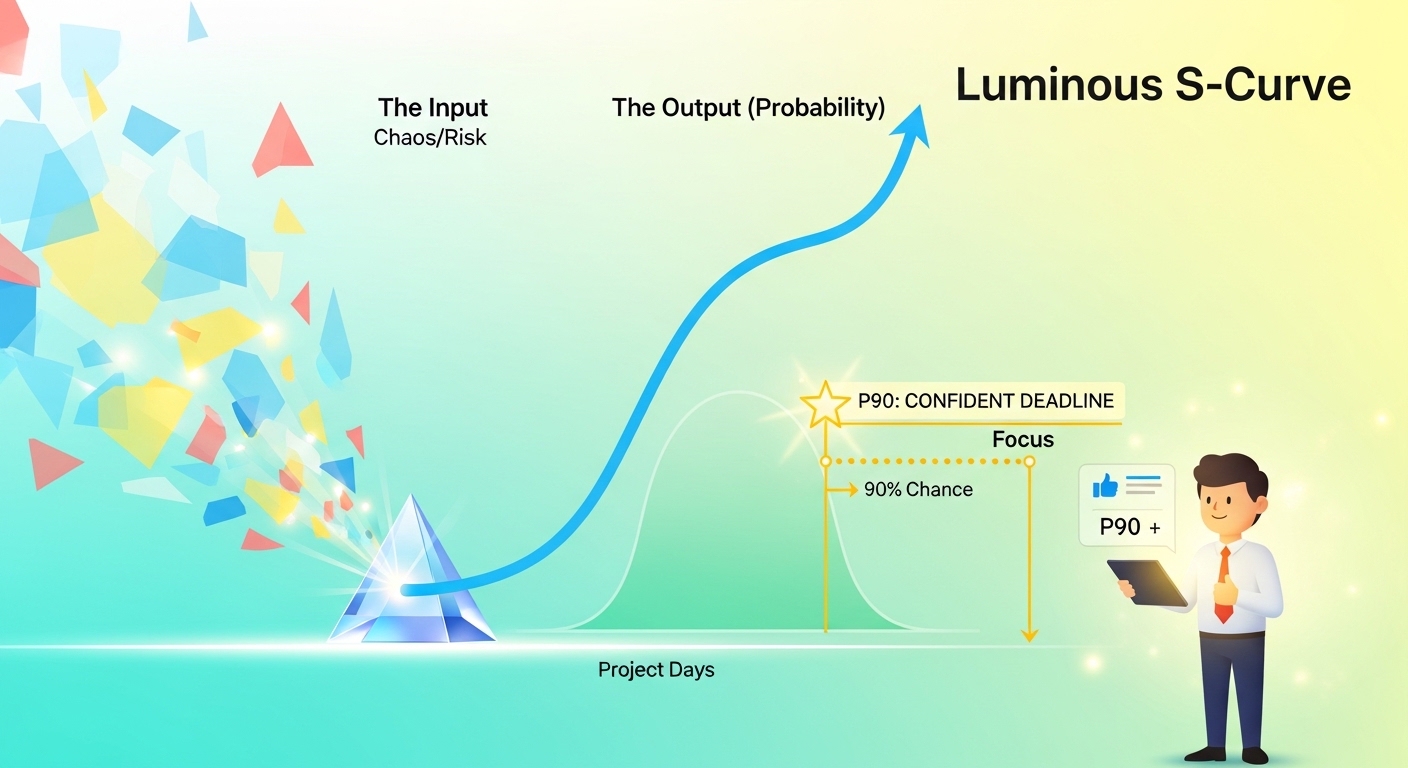
Want to understand project risk without getting lost in heavy math? This page brings together a practical series of articles that explain Monte Carlo simulation in plain language, then gradually move into deeper topics like dependencies, automation, dashboards, and cost risk. Start with the basics, then work your way toward the more advanced tools and techniques.
Start Here: The Foundations
The Magic of Monte Carlo: How to Stop Guessing Your Project Deadlines
This is the best place to start if Monte Carlo feels unfamiliar. It explains the core idea in simple terms and shows how simulation helps you stop relying on one guessed finish date. It also breaks down the basic math in a clean, easy-to-follow way.
The Executive’s Guide to P-Values: Explaining P10 and P90 Without the Math
Once you understand the basics, this article helps you talk about risk with other people. It explains what values like P10, P50, and P90 really mean in business language. It is especially useful when you need to present schedule confidence to leaders or stakeholders.
The Geometry of Risk: Explaining the Area under the Triangle
This article goes one level deeper into the math, but keeps it approachable. It explains why probability distributions have area, why that area equals 100%, and how the computer uses that to generate simulated outcomes. A great next step if you want to understand what is happening behind the scenes.
Choosing the Right Modeling Approach
The Great Debate: Triangular vs. Beta Distribution – Which One Should You Trust?
Not all risk models behave the same way. This article compares triangular and beta distributions and shows how the choice can affect your results, especially when pessimistic estimates are very large. It helps you decide which model better fits your project and industry.
AI-Enhanced Estimating: Using Large Language Models to Define Risk Ranges
Good simulations depend on good inputs. This article shows how artificial intelligence can help you define optimistic, most likely, and pessimistic estimates more consistently. It is a practical guide for turning expert judgment, notes, and historical data into better risk ranges.
Working with Real Project Schedules
Dependency Hell: Simulating the Impact of Late Deliverables
Real schedules are messy, and dependencies make risk worse. This article explains how delays from multiple predecessor tasks can combine and create more uncertainty than expected. It is especially useful for understanding merge points and why complex schedules behave unpredictably.
The Tornado Chart: Identifying the ‘Critical’ Tasks in Your Schedule
Monte Carlo tells you the overall risk, but it does not always tell you what is causing it. This article introduces tornado charts and sensitivity analysis so you can identify the tasks that drive the most schedule uncertainty. It helps you focus attention where it matters most.
The Complete Python Workflow: From CSV Schedules to Final Risk Reports
This is the practical, hands-on workflow article. It shows how to take a real project schedule export, process it, handle dependencies, and produce a professional risk output. A strong choice for project managers who want to move from theory into actual execution.
Advanced Analysis and Reporting
Interactive Risk Dashboards: Creating Live S-Curves for Your Stakeholders
Static charts are useful, but interactive dashboards are even better. This article shows how to build a live view of project risk so stakeholders can explore probabilities in real time. It is a great fit for anyone who wants to make risk reporting more visual and engaging.
Integrated Cost and Schedule Risk: Building a 3D Confidence Model
Schedule risk is only part of the story. This article expands the model to include both time and cost, giving you a more complete view of project uncertainty. It also introduces the idea of joint confidence, which is important when you need to be confident in both deadline and budget.
Scheduling Automation: Running Daily Monte Carlo Checks Using Python
This is where Monte Carlo becomes part of your operating rhythm. The article shows how to automate daily simulation checks so you can spot schedule drift early and trigger alerts when confidence drops. It is ideal for teams that want ongoing visibility instead of one-time analysis.