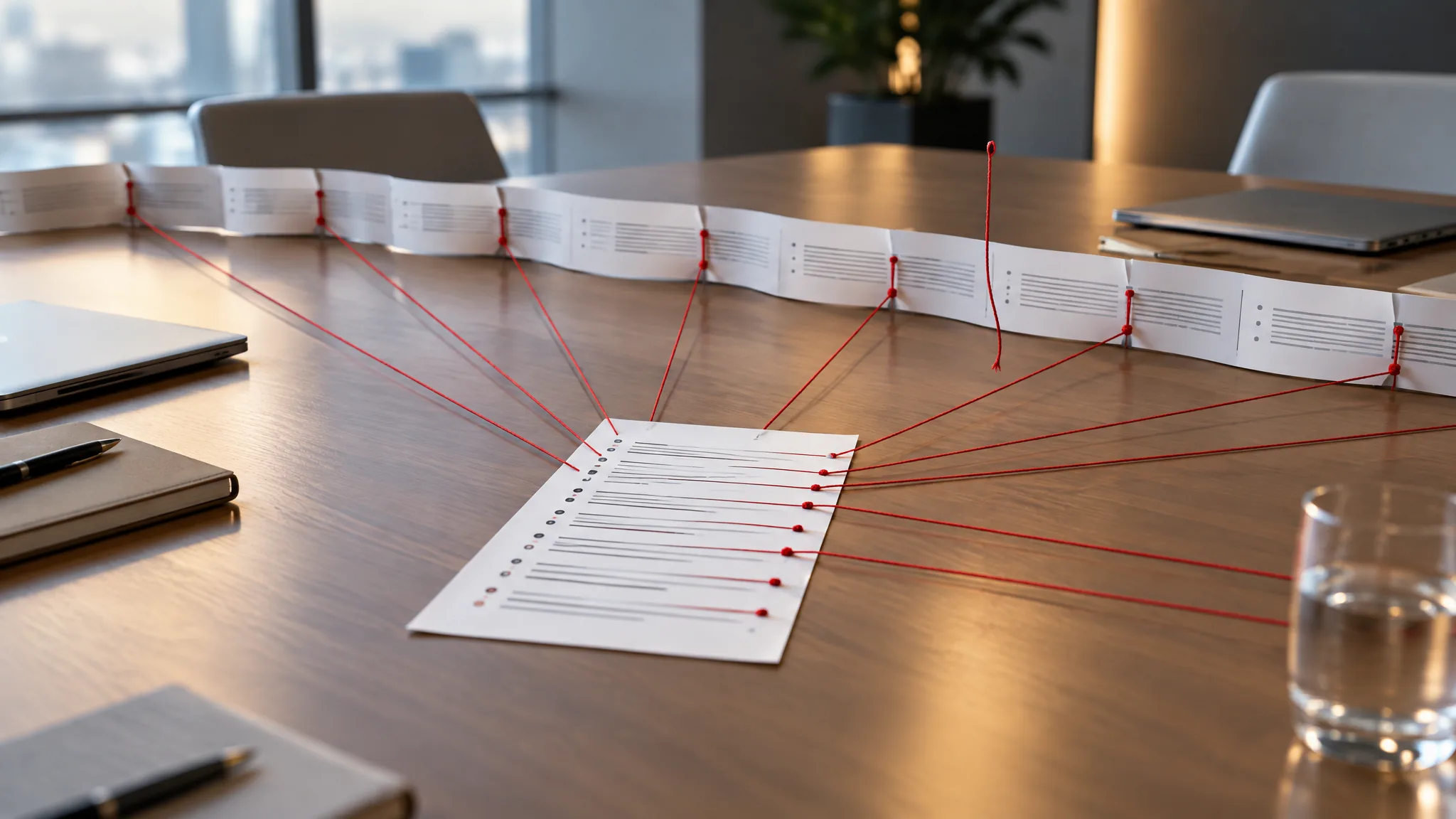
Item four on the action list says the vendor contract review is due Friday, owned by your delivery lead. Who agreed to that? If the list came from an AI note-taker, the list itself cannot tell you. Claude can now sit in your calls and write that list, and the first thing worth testing is not how well it writes. It is whether every item on it traces back to someone actually saying yes.
This is written for project managers and Scrum Masters who run at least one recurring meeting and are on a Claude Team or Enterprise plan, or expect to be soon. On Pro and Max you get the new Sheets and Whiteboards but not Meetings, so the second half of this post is for you and the first half is a preview. Everything below was checked against Anthropic's own pages on 19 November 2026. These are beta features and they will change.
What actually launched, and what is still beta
Four tools arrived together. Anthropic announced them on 10 November 2026, and Meetings began rolling out on 12 November. Claude Whiteboards and Claude Sheets are in beta on all paid plans, on web, desktop and mobile. Claude Data, the renamed Claude Dashboards, is generally available and needs a data connector such as a warehouse or CRM. Claude Meetings is the one that changes a project manager's week, and it is the most limited:
| Tool | Status on 19 November 2026 | Who gets it |
|---|---|---|
| Claude Meetings | Beta, rolling out since 12 November. Google Meet only | Team and Enterprise, in Claude and Claude Desktop |
| Claude Whiteboards | Beta | All paid plans. Off by default on Enterprise |
| Claude Sheets | Beta, "simple spreadsheet functionality" for now | All paid plans. Off by default on Enterprise |
| Claude Data | Generally available | All paid plans. On by default for Enterprise from 20 November |
In a call, Claude joins as a visible participant, posts a notice in the meeting chat, and saves a transcript, a summary and descriptions of what was on screen, but not audio, according to Anthropic's help article. Afterwards each meeting gets its own page, and people from your organisation on the invite get a recap email. Anthropic's announcement describes the job in one line:
Claude "writes the notes and action items."
Anthropic, Introducing Claude Meetings, now in beta, 12 November 2026
Neither that announcement nor the help article says anything about how accurate those action items are, or how to check them. That gap is the job. The notes will read well. Polished prose is the cheapest thing a language model makes. What costs you is a confident list with a wrong owner on line four, sent by email to everyone on the invite before you have read it.
"Half our calls have the client on them"
The meetings where I lose track of actions are the client ones. A tool that only works when it is just us is solving the easy half.
That is a fair read of the current beta, and the settings make it more so. On Team plans Claude can join calls with outside guests by default, and an owner can switch that off. On Enterprise it is the other way round: Claude stays out of calls with outside guests until an admin allows it, and it leaves if a guest joins. So start where the tool is allowed to be and where you can judge it, which means your own team first.
The three-meeting trial. Three internal meeting types, each testing something different:
- A recurring status meeting you already minute. This is the control. You keep writing your own minutes for three weeks and run the receipt test on Claude's list beside them. Any item on your list that is missing from Claude's is a miss you would not have noticed otherwise.
- A planning session with real decisions in it. Sprint planning, a release cut, a re-plan after a slip. This tests whether Claude can tell a decision from a discussion, which is where Inferred items pile up.
- A working session where you need a picture. Ask Claude in the call to put the plan on a whiteboard. Anthropic says Whiteboards can turn a spoken plan into a board with owners and dates. Then run the receipt test on the board, because an owner and a date on a sticky note are an action item too.
Does your organisation run its important meetings on Google Meet? If the answer is no, stop here for now. Meet is the only platform supported today, and Anthropic says only that others are "coming soon".
"I wanted to stop taking notes, not start checking them"
The whole point was to get my attention back in the meeting. Now you are telling me to audit the bot afterwards.
Yes, for a while. The honest trade is that Claude moves your work from writing during the meeting to reviewing after it, and reviewing is faster. Ten minutes with the receipt test is less than an hour of half-listening while typing. The cost falls further once the scorecard earns it. Is ten minutes after the call less than your note-taking costs you now? If you already write tight minutes in five, the case for Claude here is weak, and Whiteboards may be the more useful tool for you.
The three-week parallel run is how you find out whether it has:
- Week one: receipt test on every item, your own minutes kept as well.
- Week two: stop your own minutes for the status meeting only. Receipt test continues.
- Week three: if two weeks in a row came back with no None items and only one or two Inferred, drop to checking the Inferred items and the two most expensive Receipt items. If not, stay on the full test.
One habit makes the review shorter: say the action out loud in the call, with the name and the date. "So that is yours, Friday, agreed?" costs three seconds and creates a receipt. The tool rewards meetings that close their own loops.
"IT has not switched it on, and Legal will ask who agreed to be recorded"
I cannot just add a bot to a call. Someone will ask who approved it, and I will not have an answer.
Good, because that question comes before the trial, not after. Anthropic's own help article tells you to make sure everyone on the call is okay with being transcribed before you add Claude or turn on auto-join. Four questions to put to whoever owns your Claude organisation settings, with the answer you need for each:
- Is Claude Meetings on, and for whom? Owners control it under Organization settings, Products, Claude Meetings (beta), for everyone or by role.
- Can it join calls with outside guests? On Team the default is yes. Decide whether you want that before the first client call, not during it.
- Can it use members' connected tools in meetings? Claude asks each person the first time, and Anthropic's wording is that "a yes applies going forward". That first yes is the one to think about.
- Does our configuration rule it out? The beta is not available to organisations with zero data retention, a HIPAA-ready configuration or customer-managed encryption keys. If yours has any of those, the answer is no for now and the trial waits.
Then keep three kinds of meeting out of the call entirely while it is in beta: performance and HR conversations, contract or pricing negotiations, and anything where one person on the invite has not agreed to transcription. Auto-join, which adds Claude to calls without anyone choosing to, stays off until the scorecard says otherwise.
The receipt test does not depend on any of this being approved. It works on any transcript from any tool, and on your own handwritten minutes. That part is yours whatever IT decides.
Its first week, on the record
Anthropic's own status page gives the best argument for a fallback. On 16 November, four days into the rollout, it reported "an issue preventing Claude from joining new calls" in Claude Meetings. Auto-join was paused, and adding Claude by hand was affected too. Enterprise customers had it back on 17 November, and the incident was marked resolved on 19 November. That is normal for a beta and no reason to avoid one. It is a reason to keep someone on the team able to write the action list by hand, so the week the bot does not turn up is not the week nobody knows who owns what.
The test that matters
Claude Meetings will write better-looking notes than most of us do in a busy week. That was never the hard part of running a meeting. The hard part is knowing, two weeks later, that the person whose name is on the task actually said they would do it. Run the receipt test, keep the count, and let three weeks of numbers decide how far you trust the list. Who agreed to item four is a question you should always be able to answer from the transcript in under a minute.
Sources: Anthropic, Introducing Claude Meetings, now in beta | Anthropic, Use Claude Meetings | Anthropic, Claude Whiteboards, Claude Sheets, and Claude Data | Anthropic, release notes | Claude status page | TechCrunch, 10 November 2026. Checked 19 November 2026.