
Environment(s)

The process of identifying and documenting every technical environment needed to build and test the project's deliverables.

Key Points

  • Includes all non-production spaces such as development, integration, QA/test, staging, and performance test.
  • Documentation covers configurations, versions, data needs, access rights, and setup procedures.
  • Captures dependencies on tools, platforms, cloud resources, networks, and licenses.
  • Early planning prevents delays, environment conflicts, and quality issues during iterations.

Example

A scrum team plans a mobile app project and lists the environments required: developer workstations, a shared integration server, an automated CI/CD pipeline, a QA test environment with emulators and real devices, and a staging environment for UAT. They document OS versions, SDKs, test data, user access, and provisioning steps, and secure cloud subscriptions before Sprint 1 starts.

PMP Example Question

During Sprint 0, the team wants to avoid delays caused by missing test platforms. What should the project team do?

  1. Create and maintain a documented list of all development and test environments required, including setup details.
  2. Expand the WBS to include more testing activities.
  3. Assign additional testers to increase throughput.
  4. Delay testing until after the first release to production.

Correct Answer: A — Document required development and test environments

Explanation: Identifying and documenting all needed environments early ensures the team can build and test deliverables without delay.
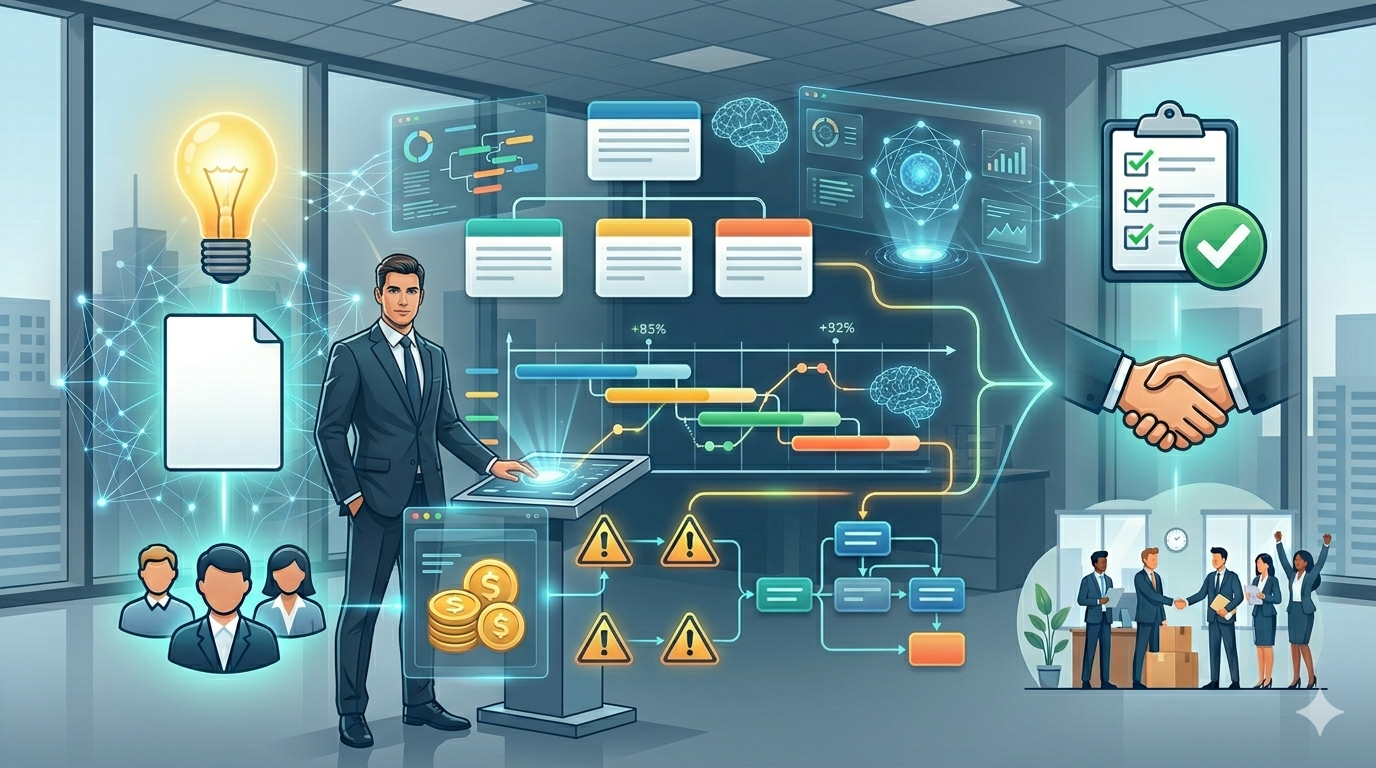
Project Management with AI: From Initiation to Closing

Build a practical project management process from initiation to closing with our Project Management: From Initiation to Closing with AI course. Learn how to move from informal project coordination to a structured, repeatable approach using PMBOK-aligned workflows, real examples, and professional templates.

This hands-on course follows a complete project lifecycle. You will learn how to write a project charter, define scope, build a work breakdown structure, develop a schedule, estimate costs, manage risks, engage stakeholders, execute the work, monitor performance, and close the project properly.

You will also learn how to use AI tools to accelerate project management work. The course includes reusable prompts, downloadable templates, assignments, and worked examples that show how project documents connect from one stage to the next.

The course is designed for professionals, team leads, coordinators, analysts, and new project managers who need practical skills they can apply at work. Enroll now and build the confidence to manage projects with structure, clarity, and control.

Explore the Course


Build complete project plans in minutes with AI

Learn how to use AI to create charters, WBSs, schedules, risk registers, and executive reports while staying in control. This course gives you prompt templates and practical workflows based on real project work. Practical skills, tools, and guidance you can apply right away. Covered by Udemy's 30-day refund policy.

Learn More